Business VPN FAQ
What does MeduzaVPN Business include?
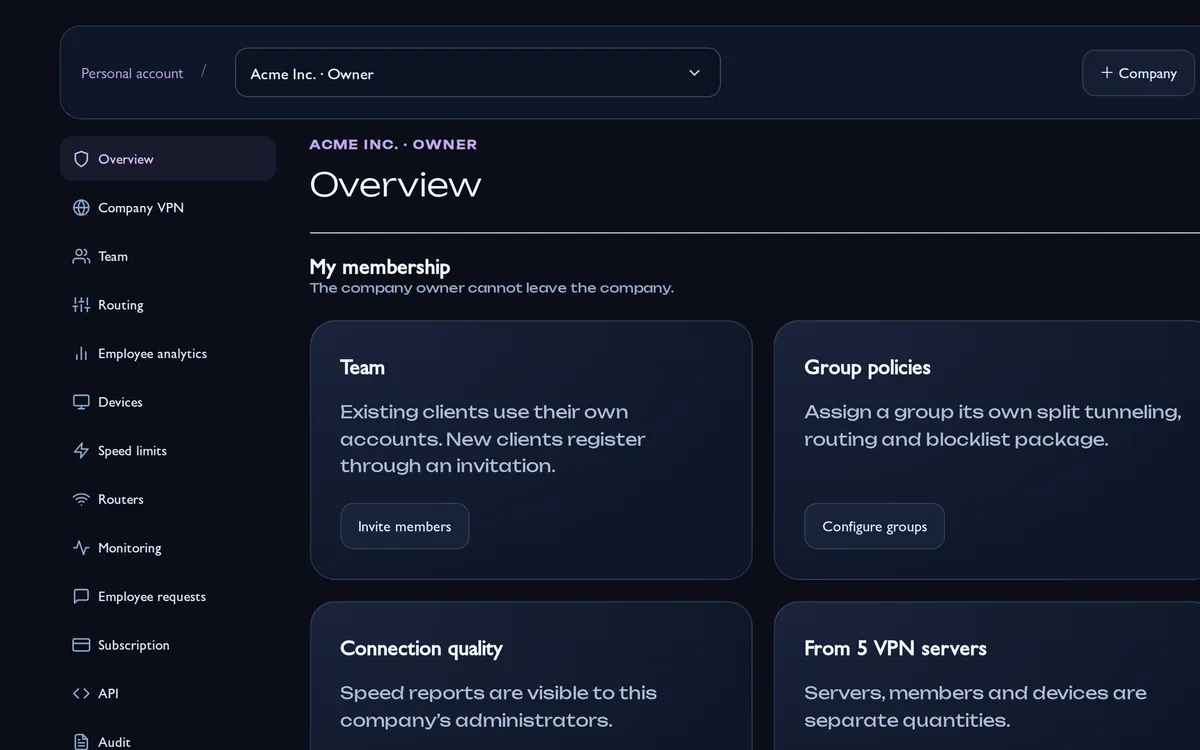
A company workspace with VPN servers from your paid package, members, groups, routing packages, speed limits, connection analytics, monitoring, employee requests, an audit log and an API. Employees connect in the regular MeduzaVPN app.
How is the price calculated?
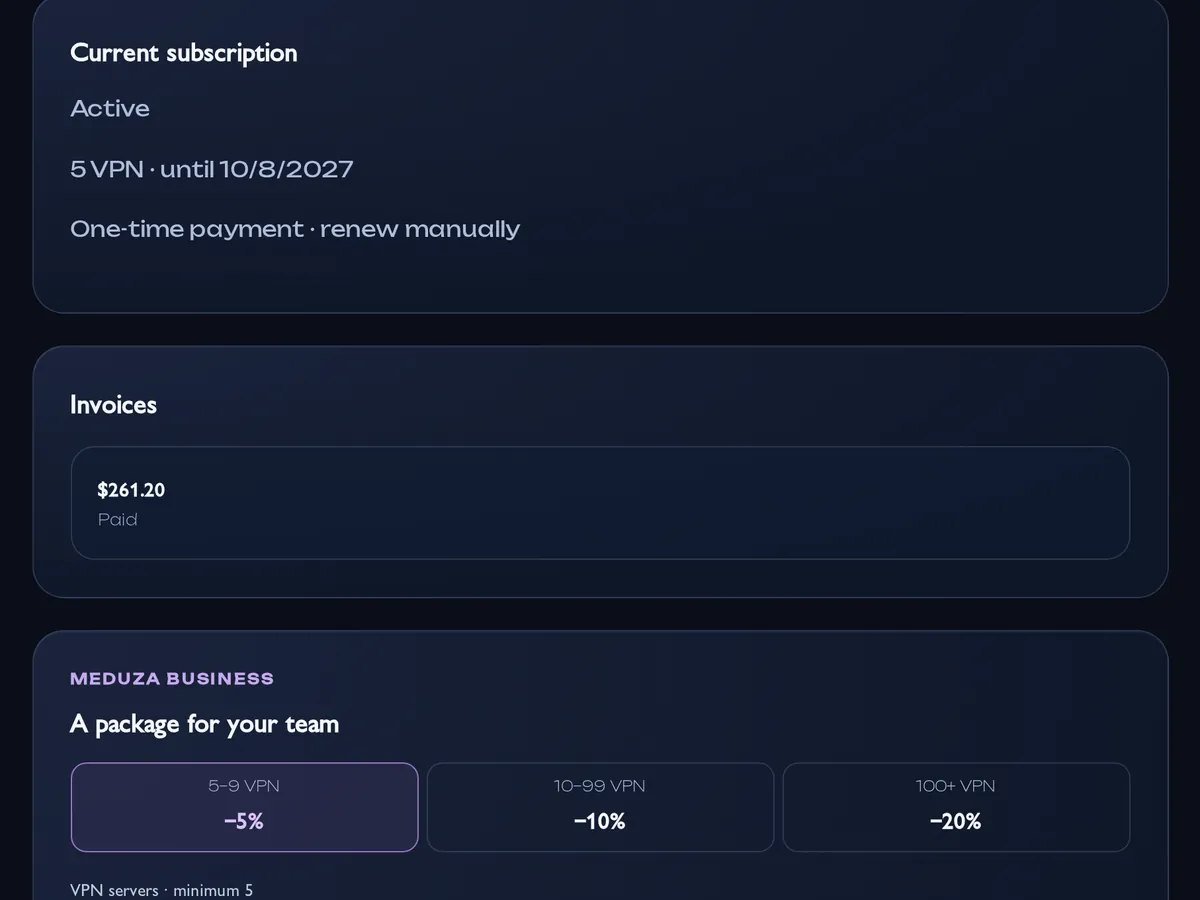
The base price is $5.99 per month or $54.99 per year for one VPN. The whole package gets a discount: 5–9 VPNs — 5%, 10–99 — 10%, 100 and more — 20%. For example, 5 × $54.99 × 95% = $261.20 per year. The minimum package is 5 VPNs.
How do I add employees?
Invite them by email: existing customers see the invitation in their account, new people sign up from the link in the email. Or create a shared link and QR code: choose a group, the maximum number of members and whether an admin must approve each one. The link works for 7 days, and every employee still gets their own key.
Do employees keep their personal subscription?
Yes. The work VPN is a separate workspace: the employee’s personal subscriptions, personal VPNs and other companies stay as they are. The company does not see personal connections, and the employee switches between the personal account and the company.
How do groups work?
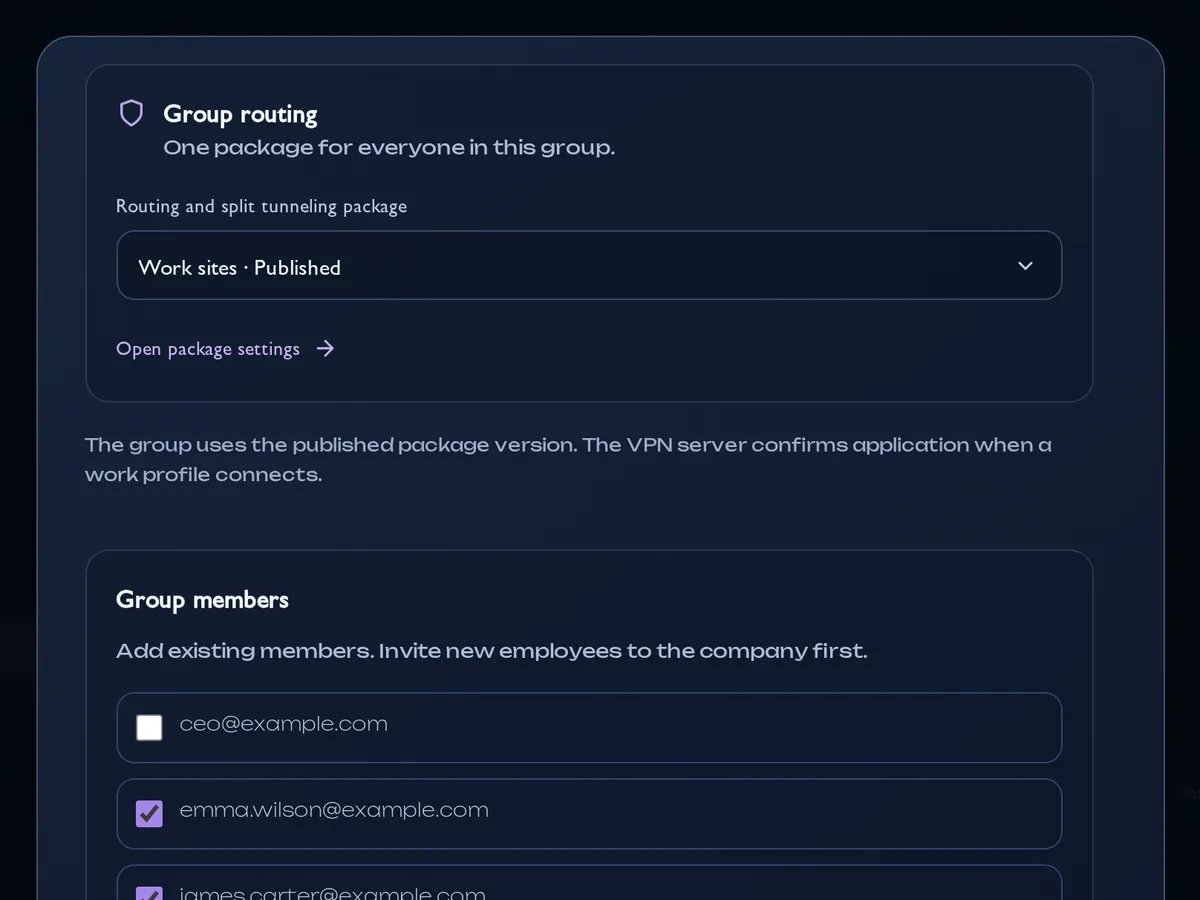
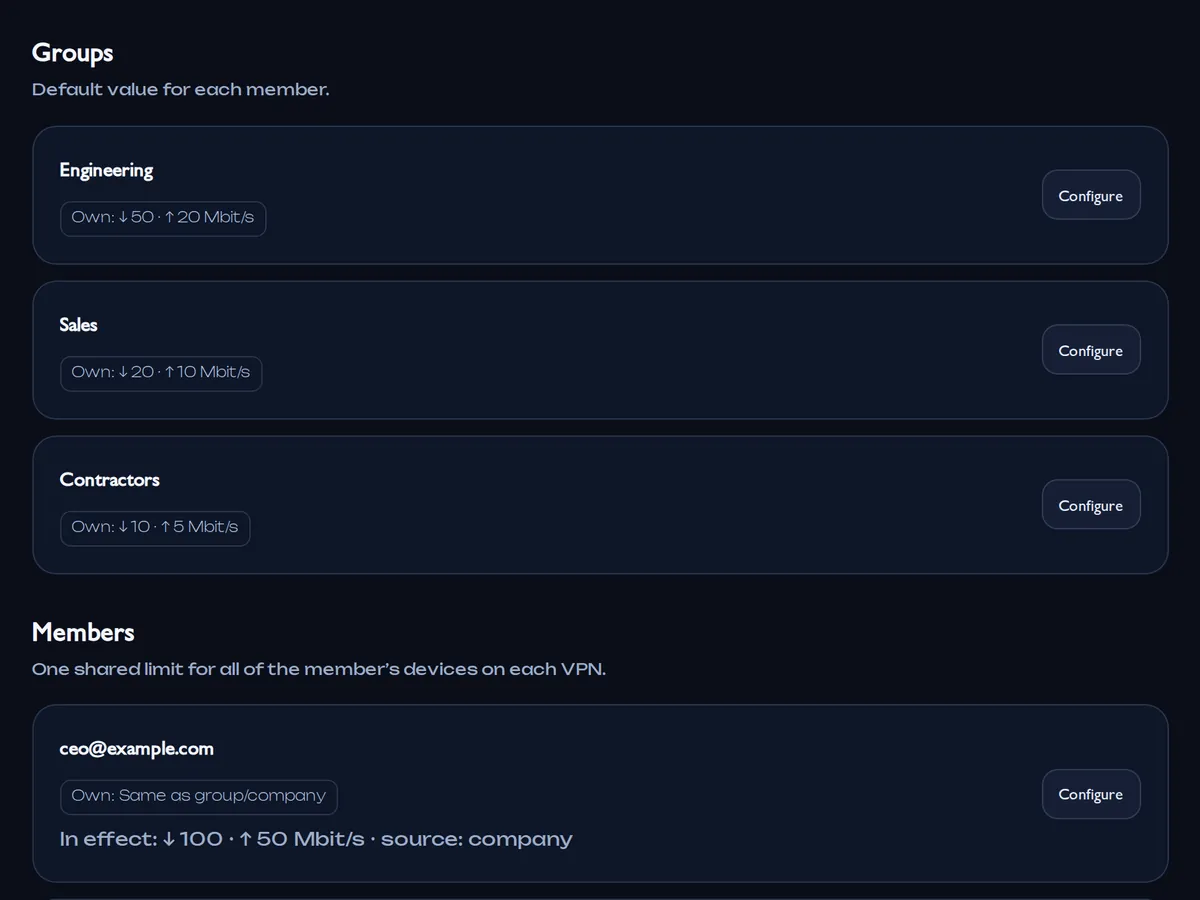
A group gets one routing package and, if needed, a speed limit and a destination-log mode. A member can belong to several groups. Groups do not grant workspace permissions — roles do.
What is a routing package?
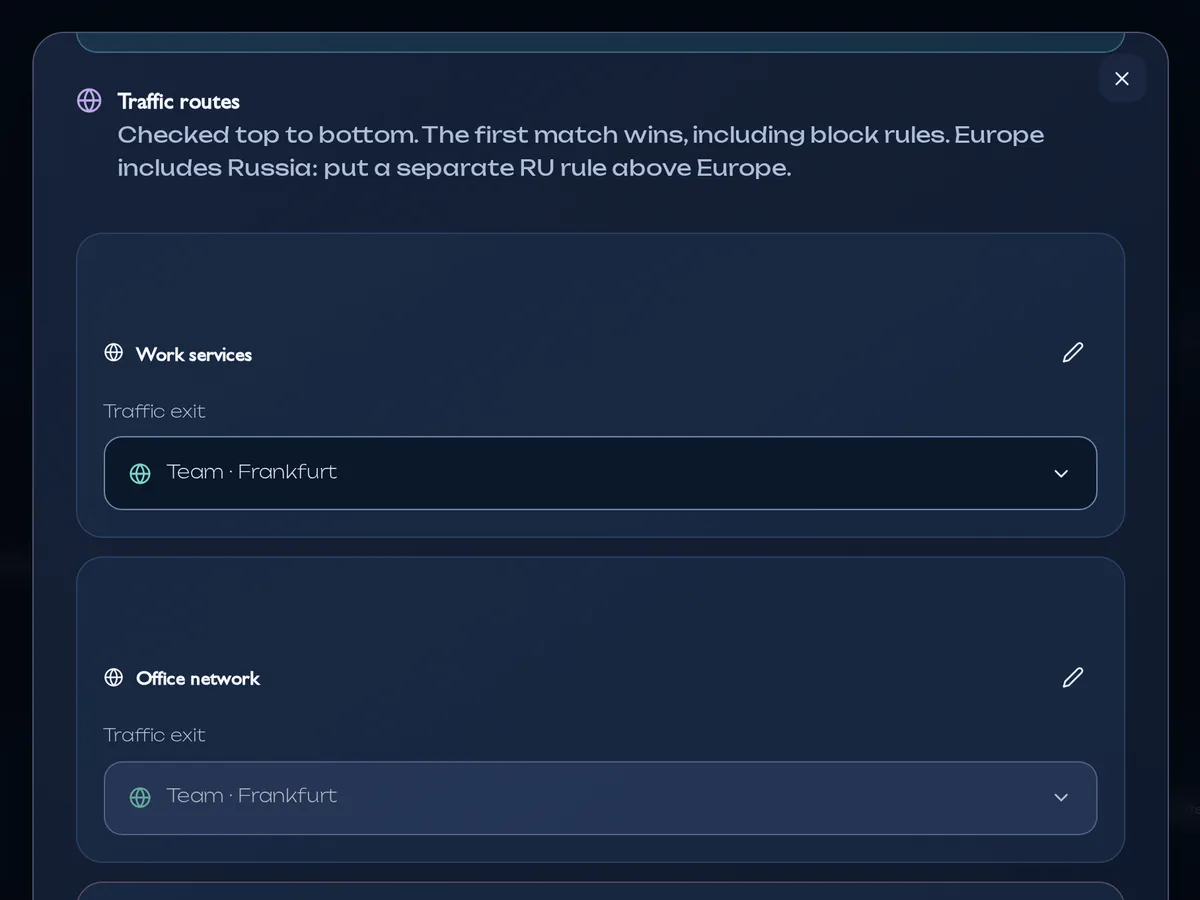
Split tunneling rules for a group: an entry company VPN plus traffic sets — countries, regions, your own sites, IPs and subnets (up to 4,096 entries per set). Each set goes via the VPN, direct or is blocked. Rules are checked top to bottom; a package is saved as a draft, validated and only then published.
Can I block sites?
Yes: choose “Blocked” for a set of sites or networks. A direct rule never cancels a matching block. The remaining traffic (OTHERS) cannot be blocked as a whole — it can go via the VPN or direct.
How do speed limits work?
In Speed limits, set a download and upload cap for the company, a group, a member or a single device — from 0.064 to 10,000 Mbit/s. A member’s limit is shared by all their devices on one VPN. Limits apply to the ULTRA protocol.
Can I connect office routers?
The company workspace keeps an inventory of OpenWrt and MikroTik routers and office networks. Ready-made router configuration from the company workspace is not available yet.
What does the admin see?
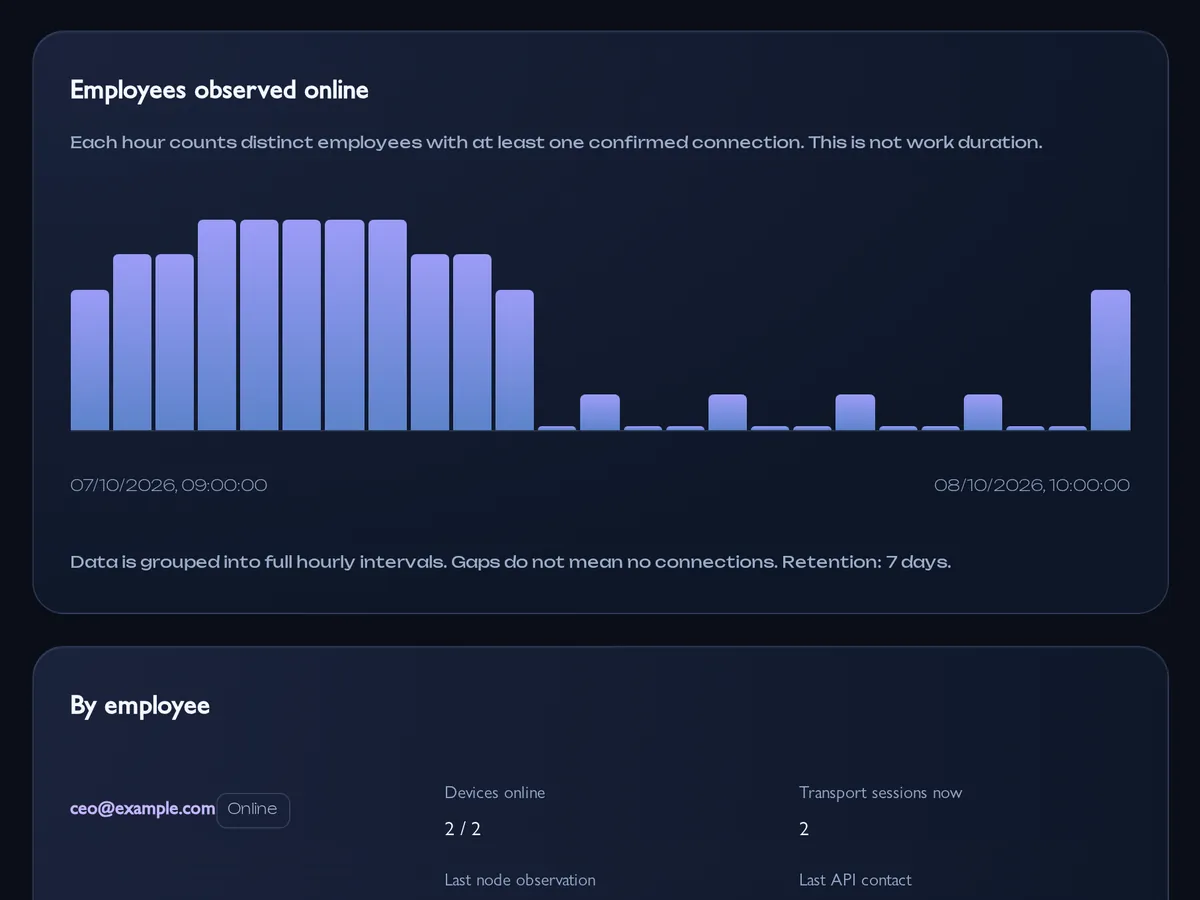
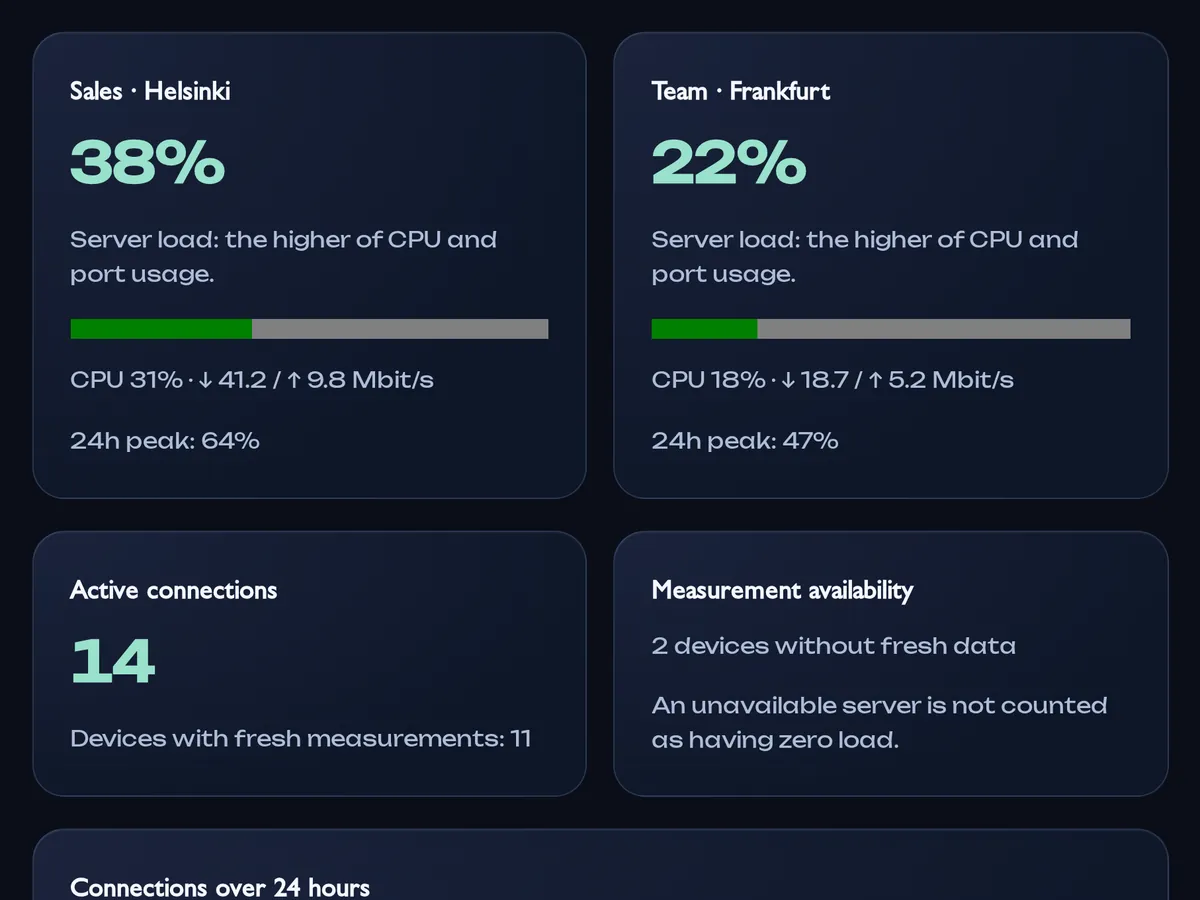
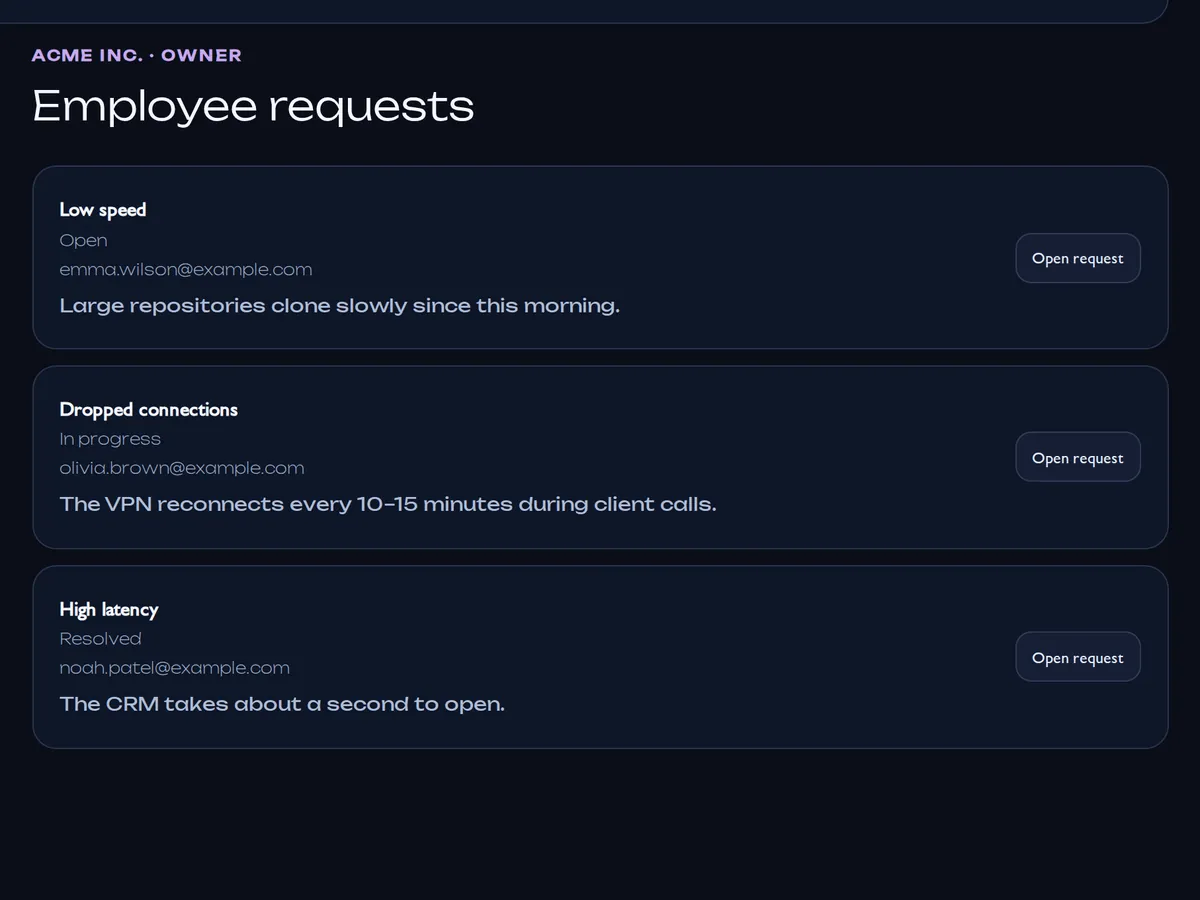
Members, their roles and groups, work devices and their last connections, members online, server load, requests and the change log. The admin does not see traffic contents, passwords, full page addresses or employees’ personal VPNs.
Do you log visited sites?
The destination log is off by default. The owner can turn it on for the whole company, for groups or for individual members; each member acknowledges a notice, and the app shows that the log is on. It records only the destination address, port, time and result on the company VPN server. Retention is 7 days and at most 100,000 events per company.
How is access secured?
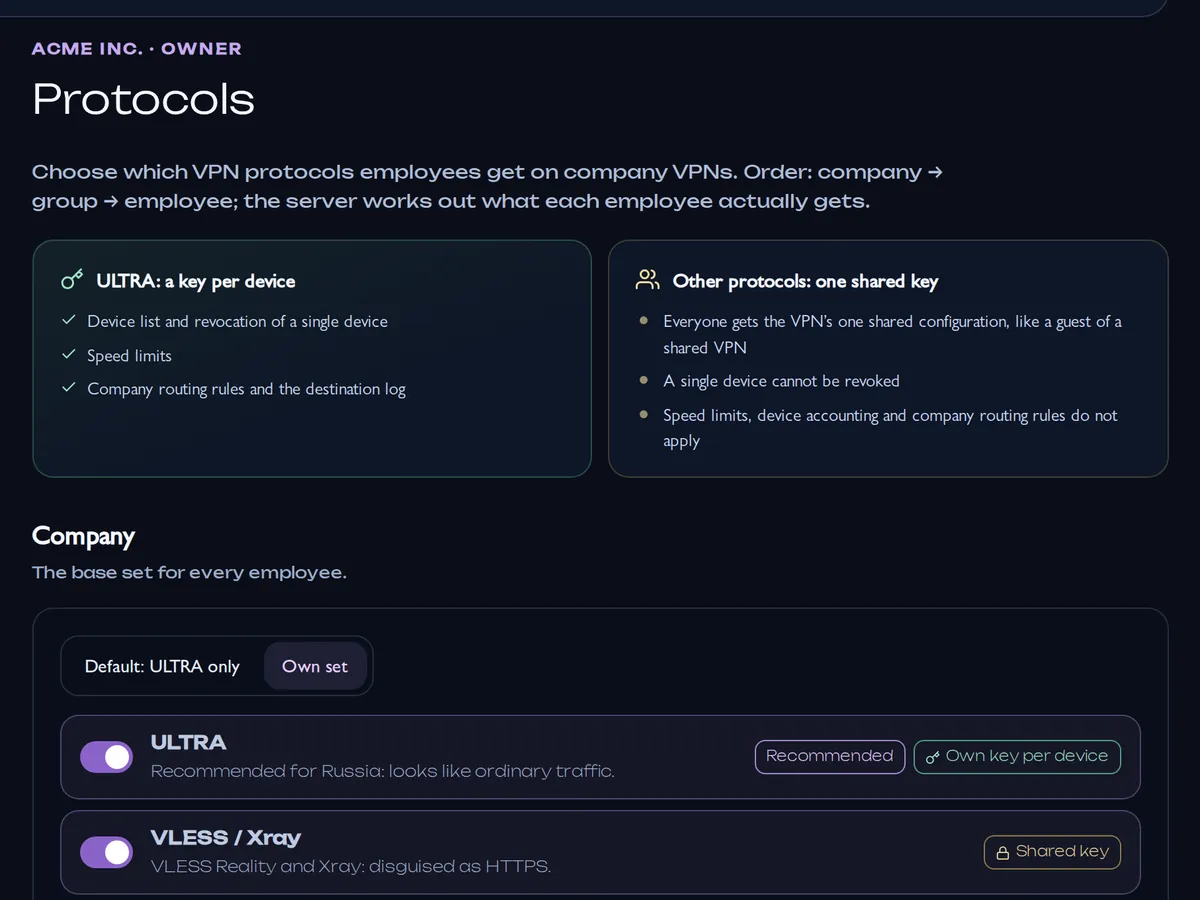
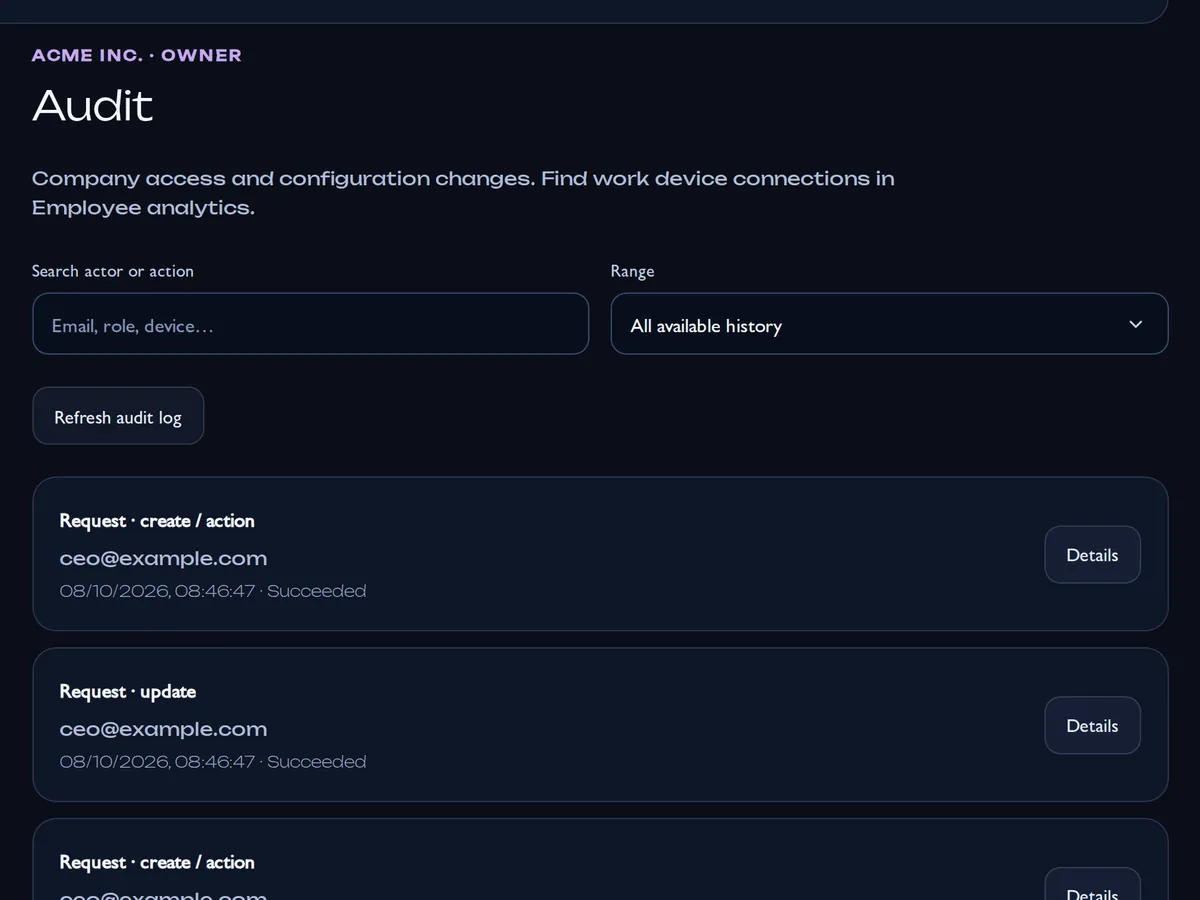
On ULTRA every device has its own key, so you can revoke one device or one member without affecting anyone else. Other protocols can be turned on in the Protocols section, but they use the VPN’s shared key, so a single device cannot be revoked there. Role, access and routing changes are written to the audit log. API service accounts work only inside their company, and revoking one invalidates its tokens immediately.
How do I pay and where are the invoices?
Online, with the same methods as personal plans (they depend on your country): a one-time payment or a subscription with auto-renewal. Company invoices and the subscription status are in the Subscription section. Accounting can use the billing role, which has no access to VPN settings.
Is there an API?
Yes. Create a service account in the API section: the Client ID and secret are exchanged for a one-hour OAuth token with read-only or read-and-manage permissions. Members, groups, routing, requests and other sections are available through the API, and webhooks report changes. The documentation is public.
How do we move to MeduzaVPN from our current setup?
Create a company and pay for a package, add VPNs in the locations you need, set up groups and routes, then send employees an invitation or a shared link. Employees install MeduzaVPN and sign in to their own account — there are no shared configs to migrate. You can keep your previous VPN while the team moves over.